Research
Highlight key insights while reading papers to save them instantly. Easily view saved references to get context as you read.
Gathering details for a paper? Planning a trip? Just need to write something down? Note Harbor lives in your Chrome sidebar so you can quickly capture ideas without breaking your flow.
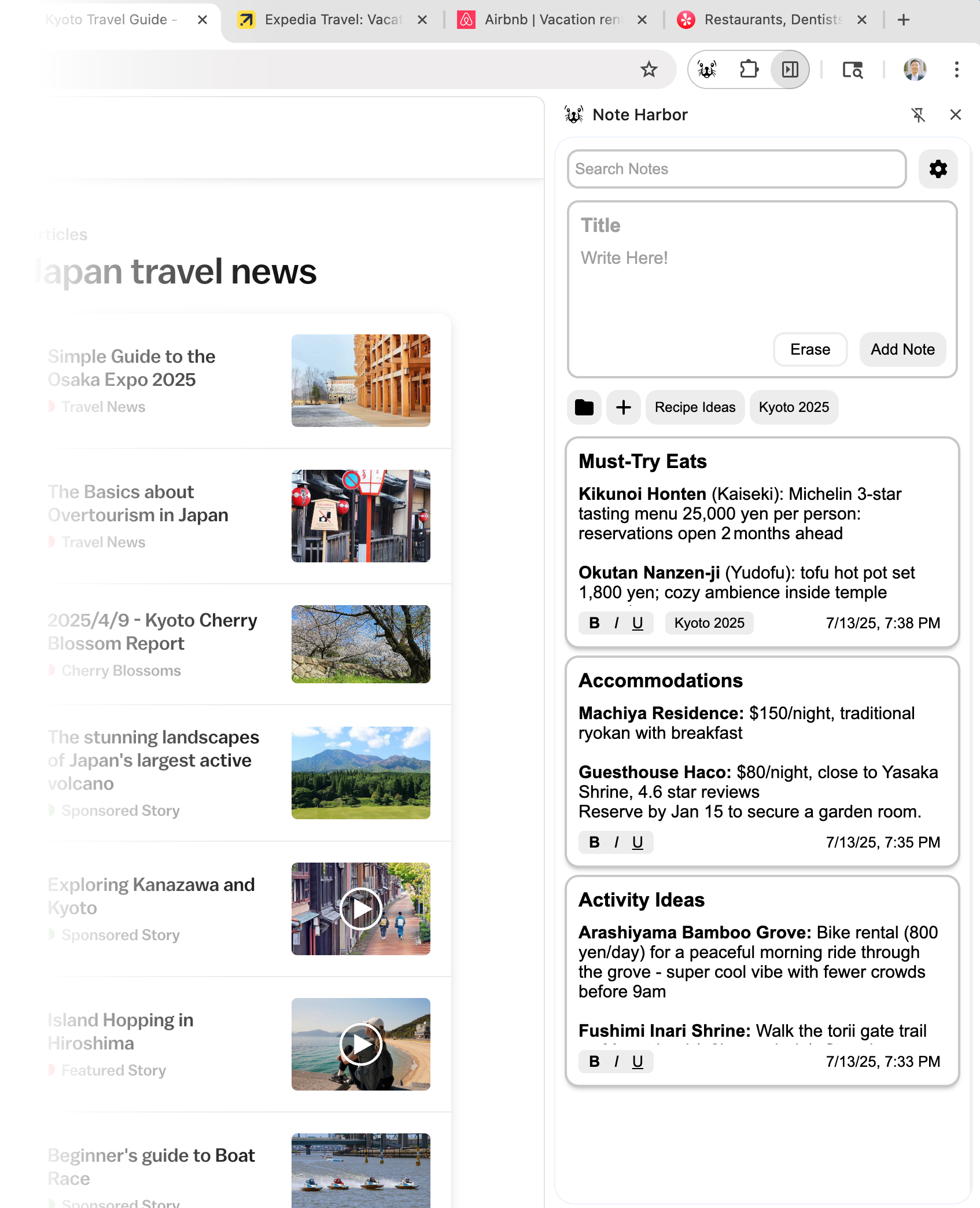
Website. Notes. Website. Notes. Website. Yeah, you get the point.
Where did they even go? Who knows. You won't even understand what you wrote down anymore.
That quote. That cool recipe. That startup idea that you should definitley drop out for.
There's a better way.
Your second brain browsing companion.
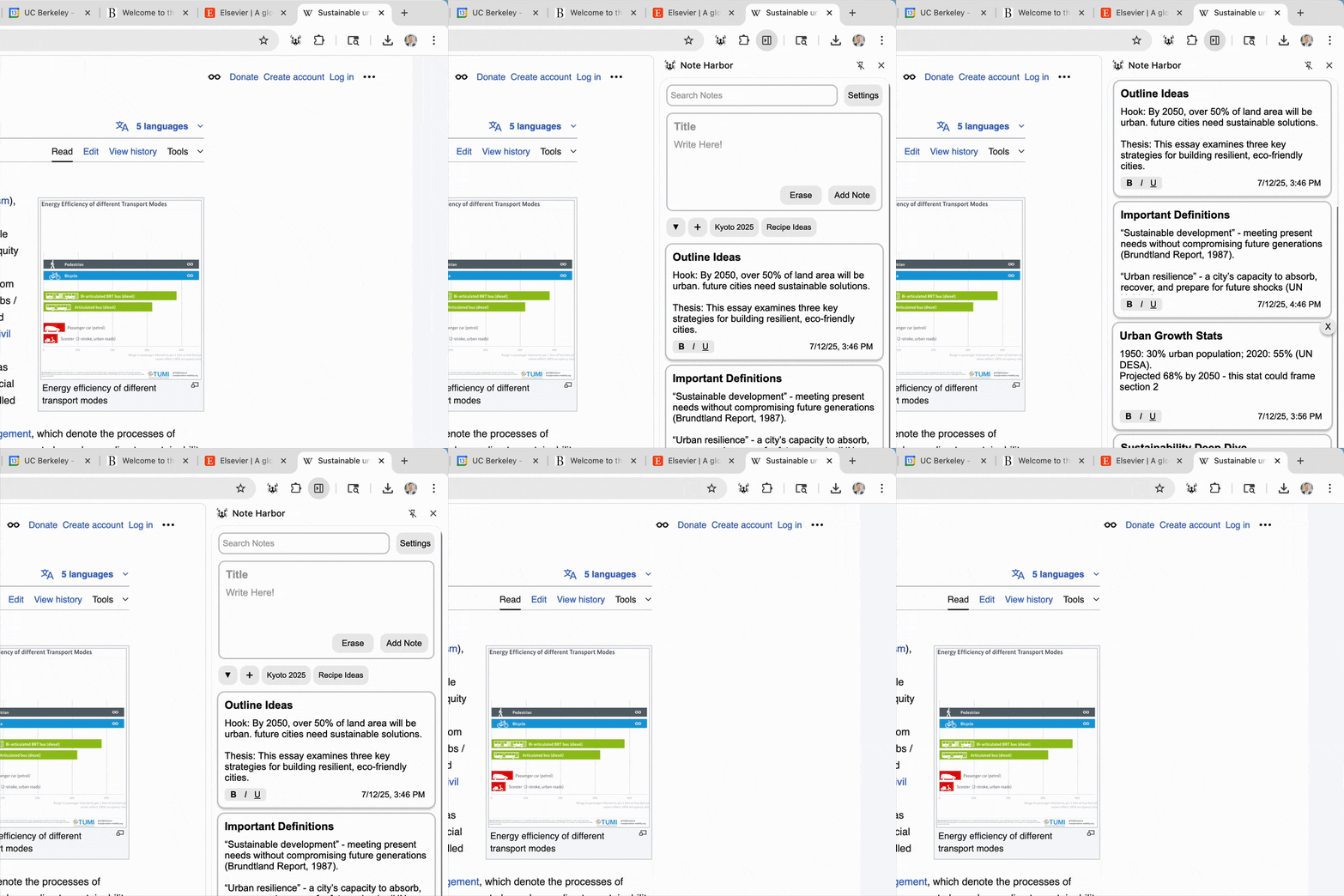
Note Harbor lives right in your Chrome sidebar, so it's always ready when inspiration strikes. Forget about switching tabs or opening new windows. Simply open and close with Ctrl + Shift + L.
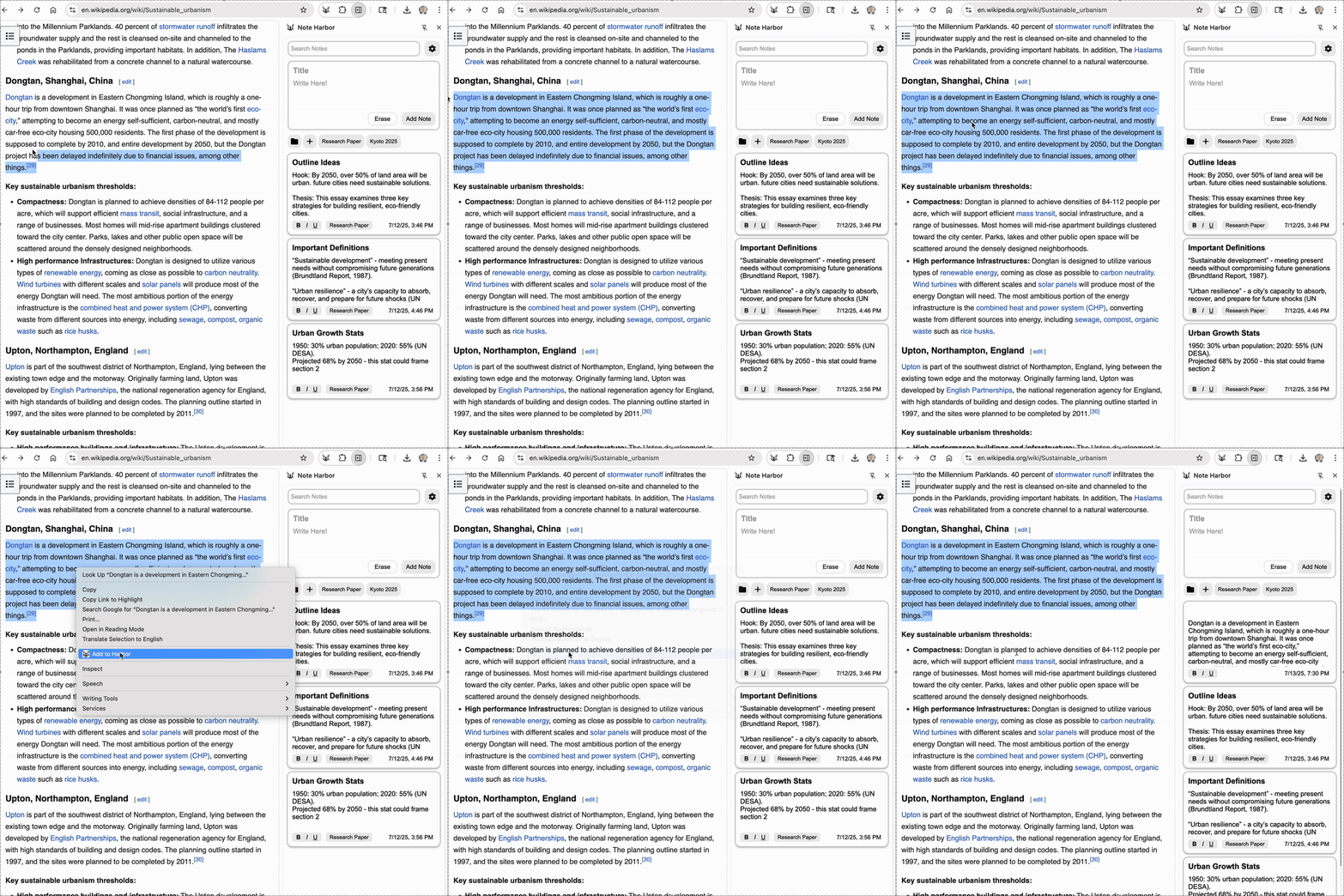
Found something interesting? Highlight the text, right-click, and select 'Add to Note Harbor'. It's that simple. No copy-pasting or formatting headaches.
Organize notes into folders so related ideas, research, and tasks stay together. Drag and rearrange to your heart's desire. Sort and search to find any note in seconds.
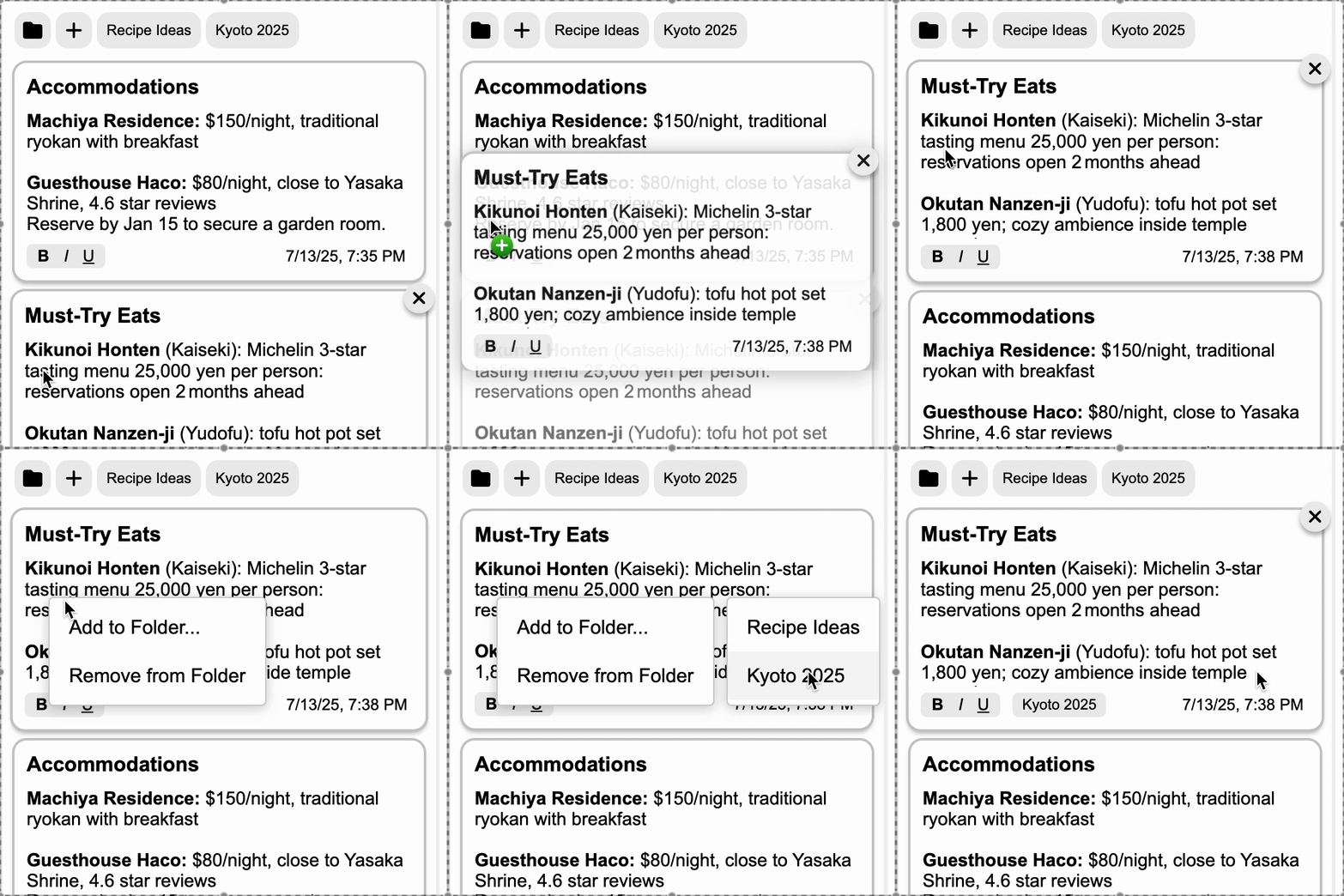
Like post-it notes, Note Harbor is best used as a quick and lightweight way to store info as you work, not for heavy-duty writing.
Highlight key insights while reading papers to save them instantly. Easily view saved references to get context as you read.
Save flight details, itinerary ideas, and Airbnb comparisons as you browse. Note Harbor stays with you as you hop from tab to tab.
Toggle Note Harbor with a shortcut to jot down action items and takeaways. No need to minimize your meeting window.
We're a few friends who built Note Harbor to solve our own note-taking headaches, and we'd love your help making it better. Try it out and tell us what you think — any feedback is welcome!